Lock release identity
Title and artist first. DistroKid metadata and cover typography should match.
Distributor upload checklist
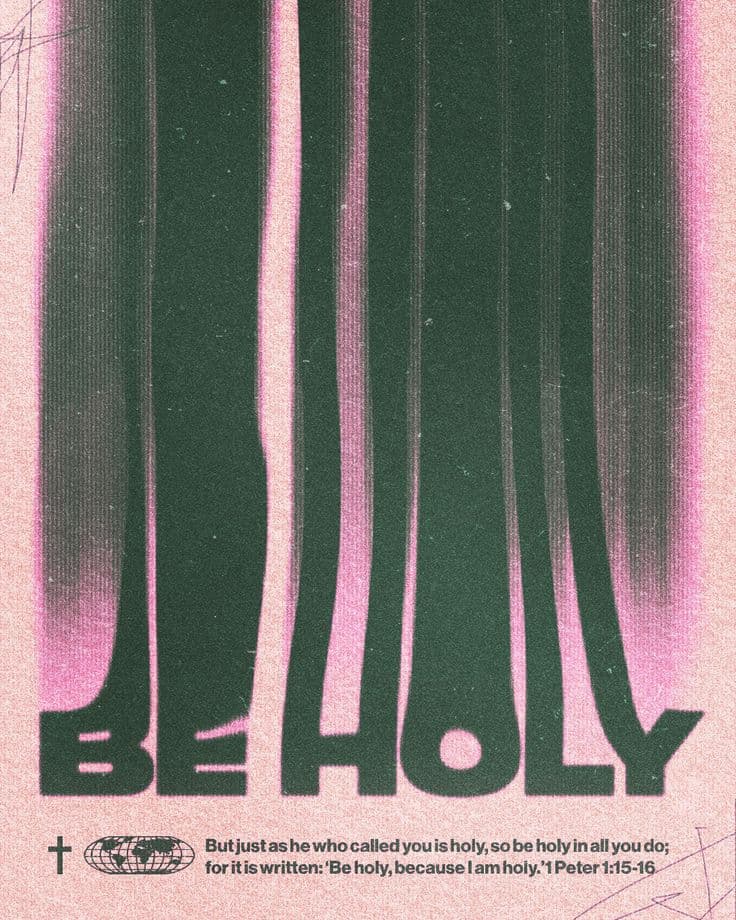
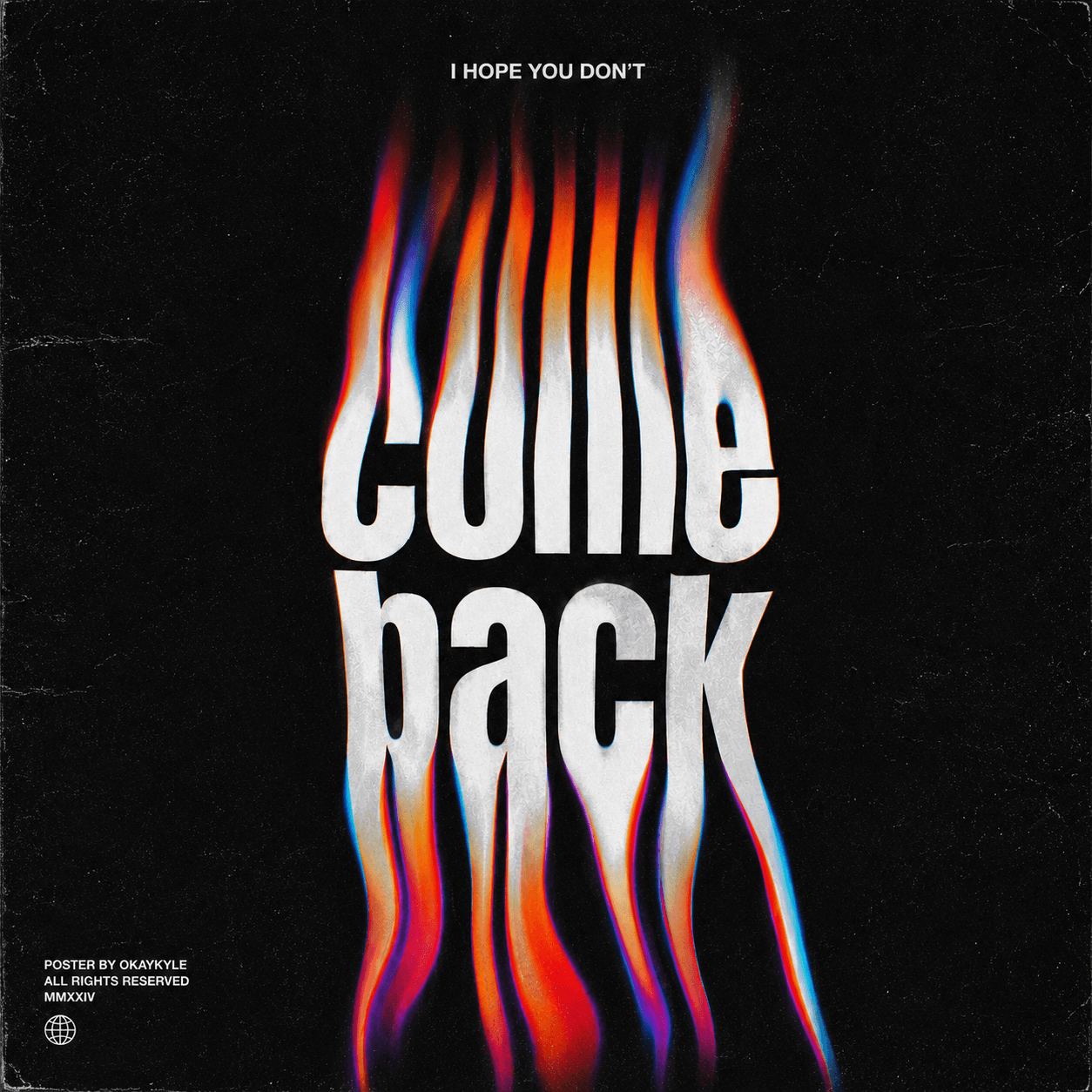
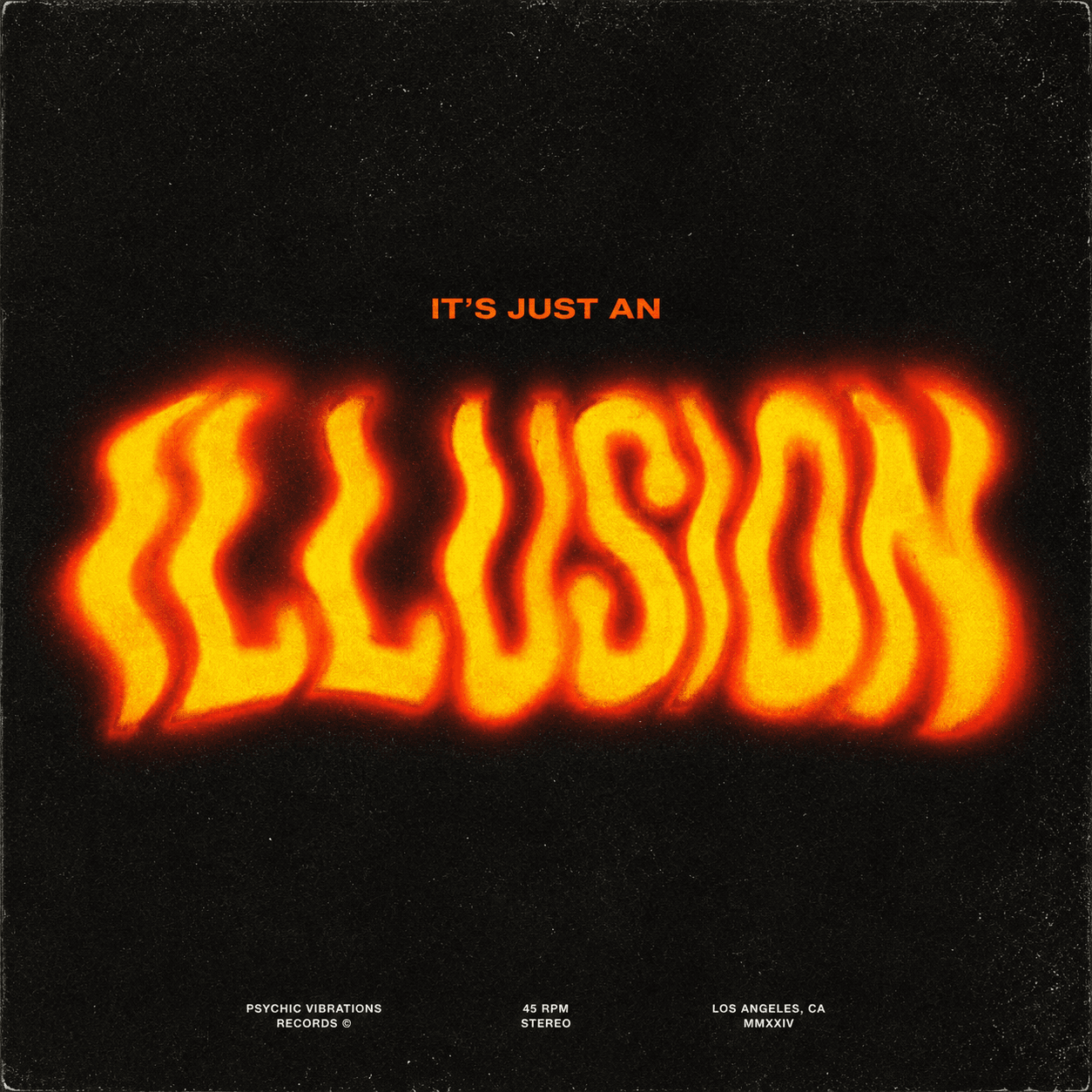
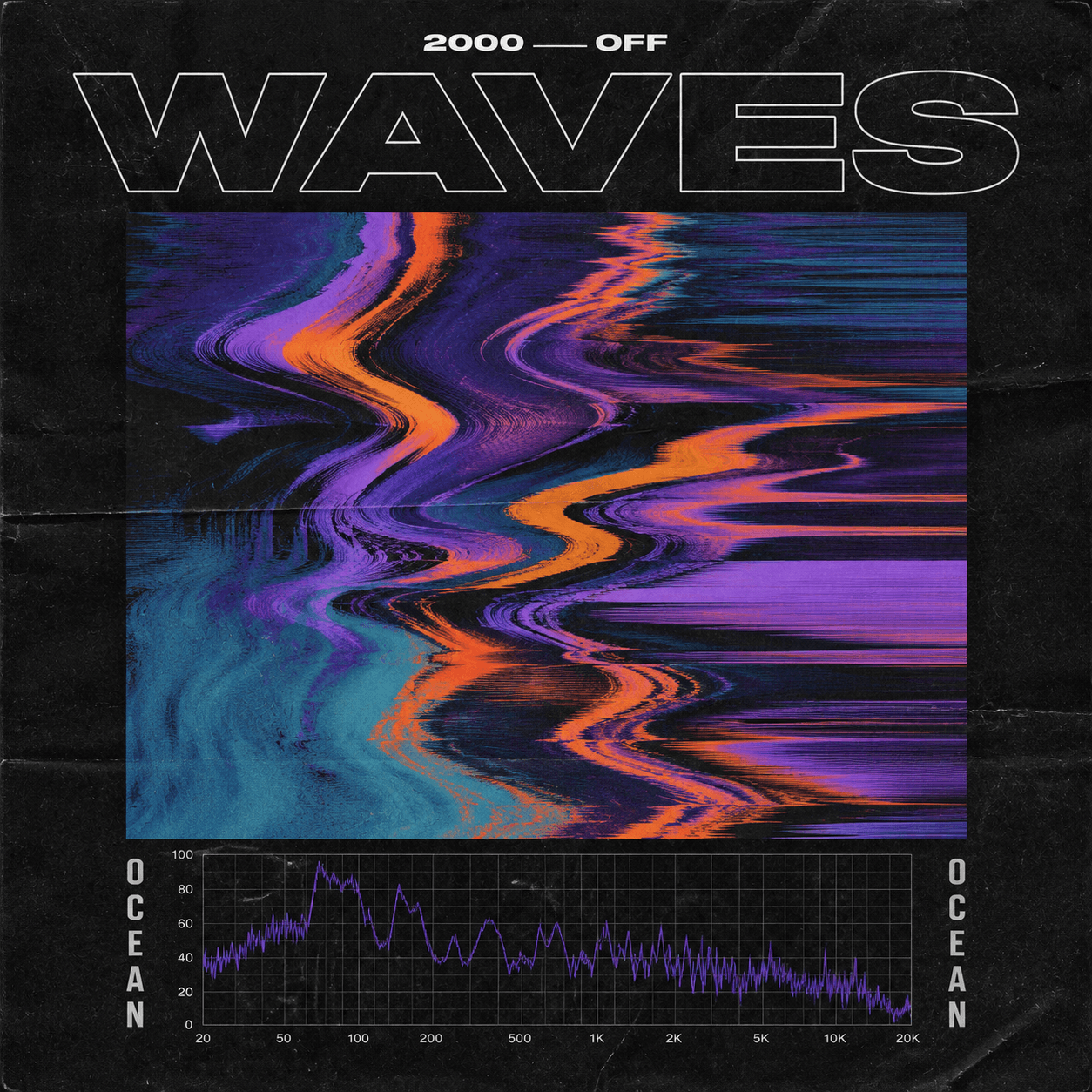
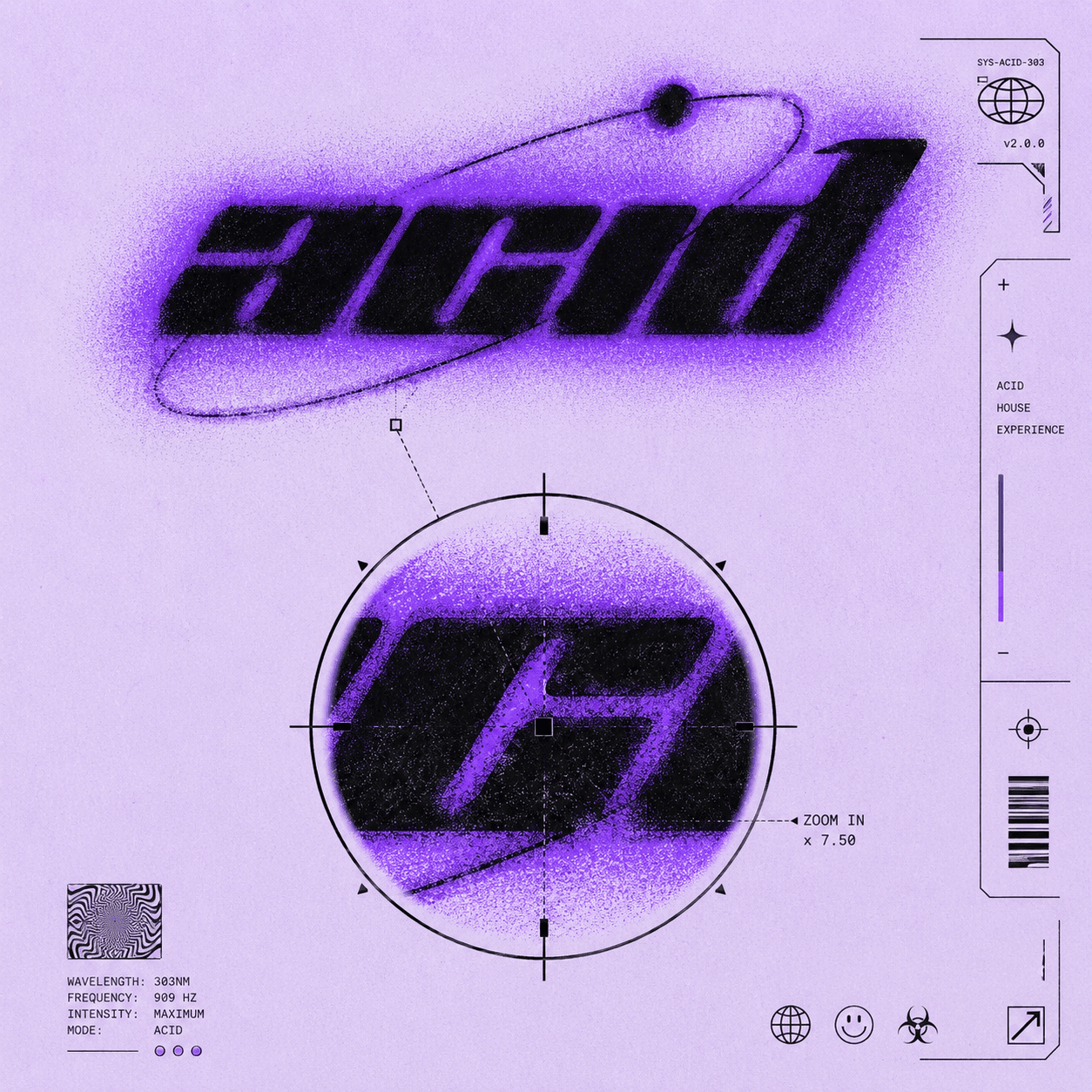
Build square cover art that survives DistroKid and store review. Enter the release title and artist, then carry the brief into the workspace.
Jump into the workspace with your details. Sign in only when you generate.
Title and artist first. DistroKid metadata and cover typography should match.
Spotify, Apple Music, and Amazon all show a tiny square. One focal point beats five.
Sign in to generate, check text, logos, and crop, then upload through DistroKid.
FAQ
Use a square image. CoverArt AI generates 2K square artwork you can review and, if needed, upscale to your distributor's preferred pixel range before upload.
Yes if you have rights to the image and it follows DistroKid and store rules. Avoid logos, celebrity likenesses, and copyrighted characters.
They can reject policy violations. Busy covers also underperform as thumbnails even when they pass review, so keep one strong subject.
Not required. Many artists export directly after QA. Use an editor only if you need exact pixel resizing or label-specific overlays.
Jump into the workspace with your details. Sign in only when you generate.