Readable at thumbnail size
A single cover has to work inside release feeds, social previews, and small streaming tiles. Keep the visual idea clear before adding fine detail.
AI artwork for one-track releases
Create square cover art for a new single without turning the release into a full design project. Start with the title, artist name, genre, mood, and visual hook, then generate artwork that can anchor your streaming upload and launch posts.
Jump into the workspace with your details. Sign in only when you generate.
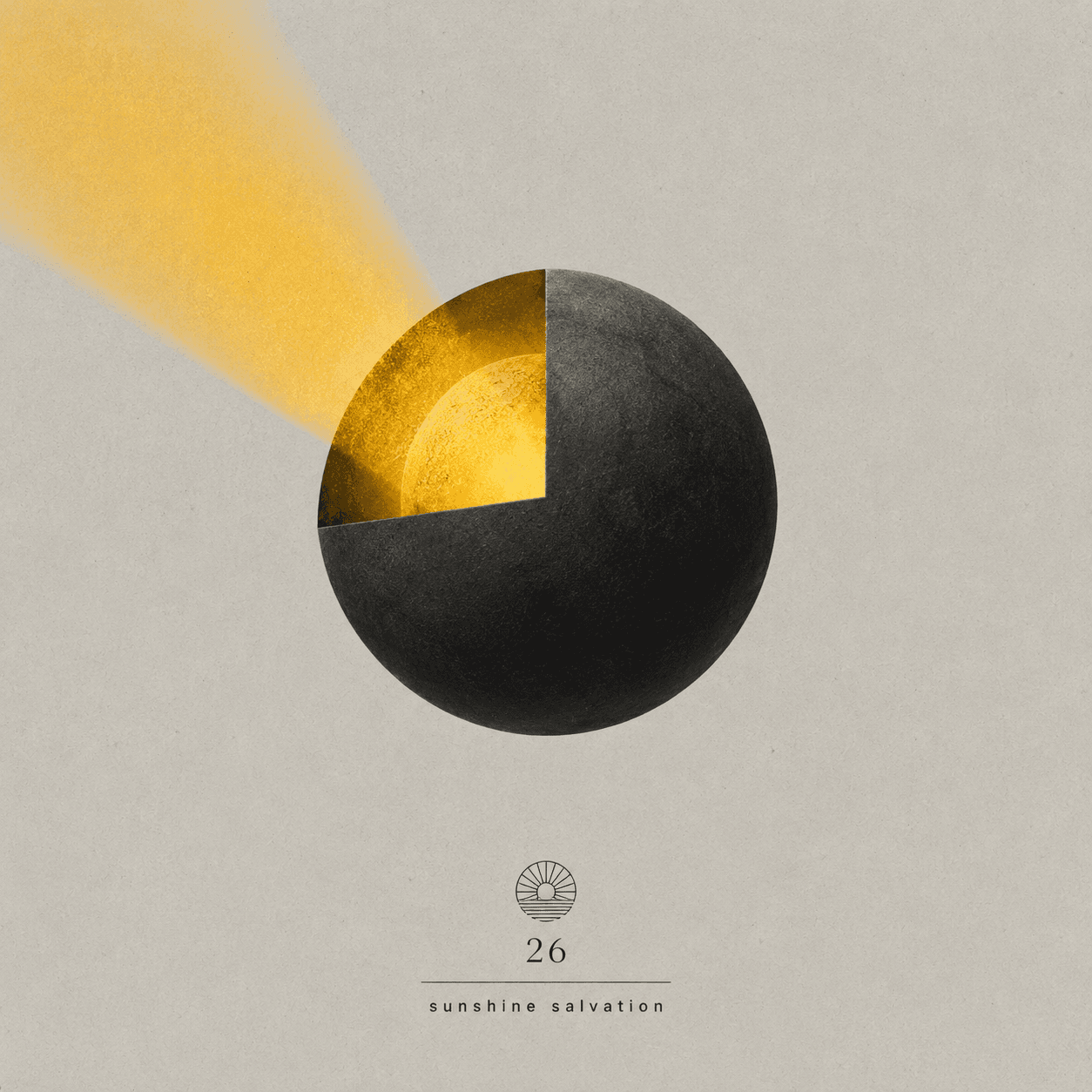
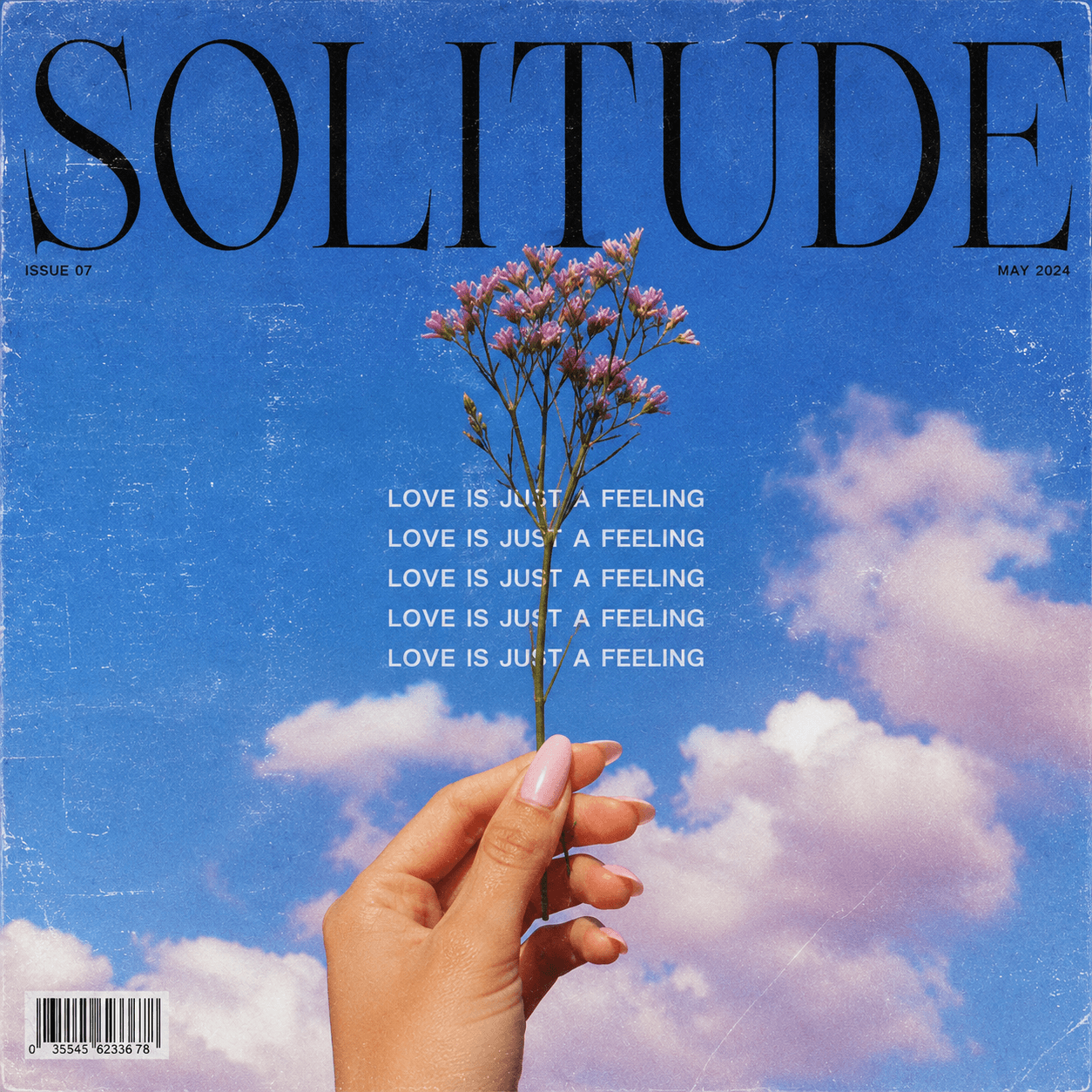
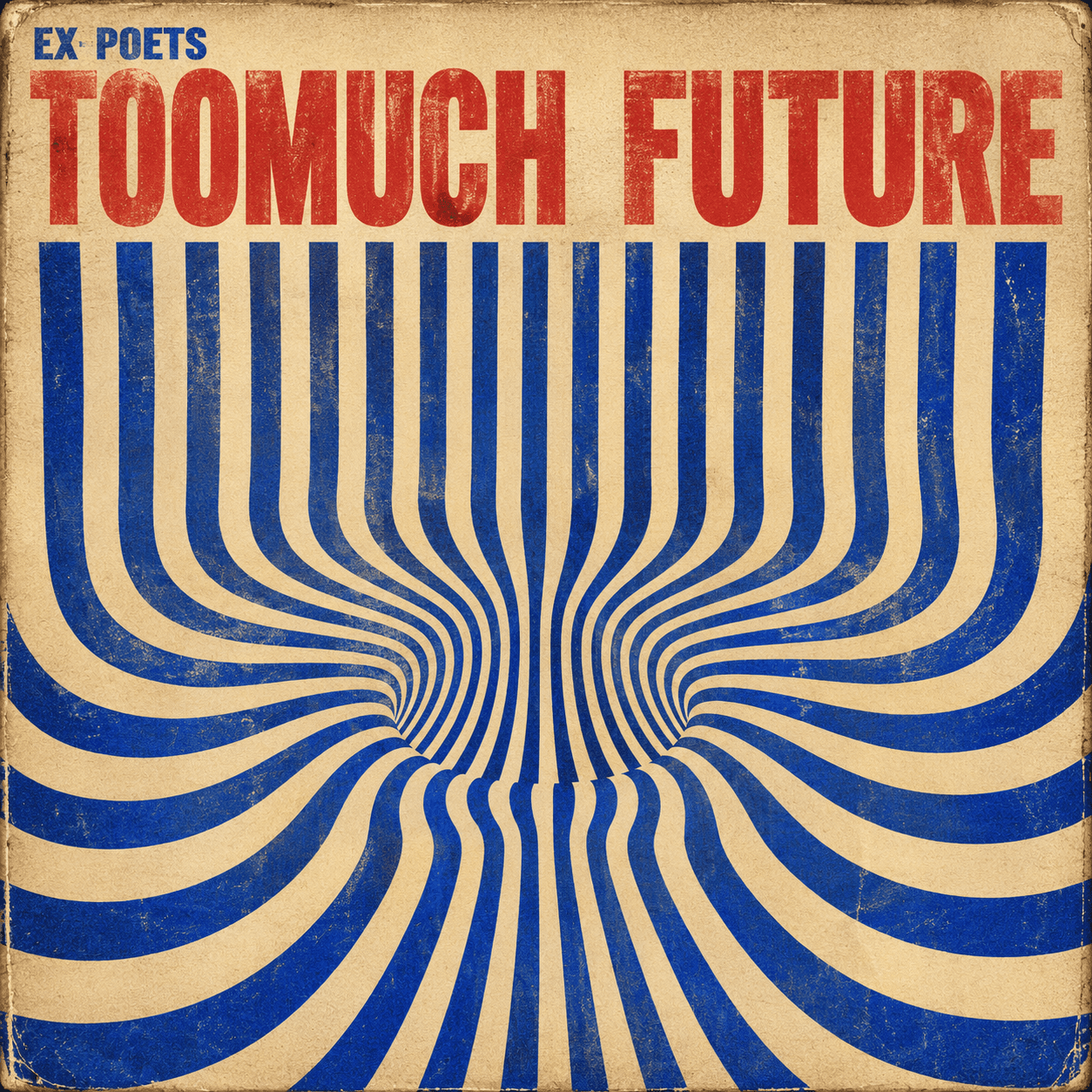
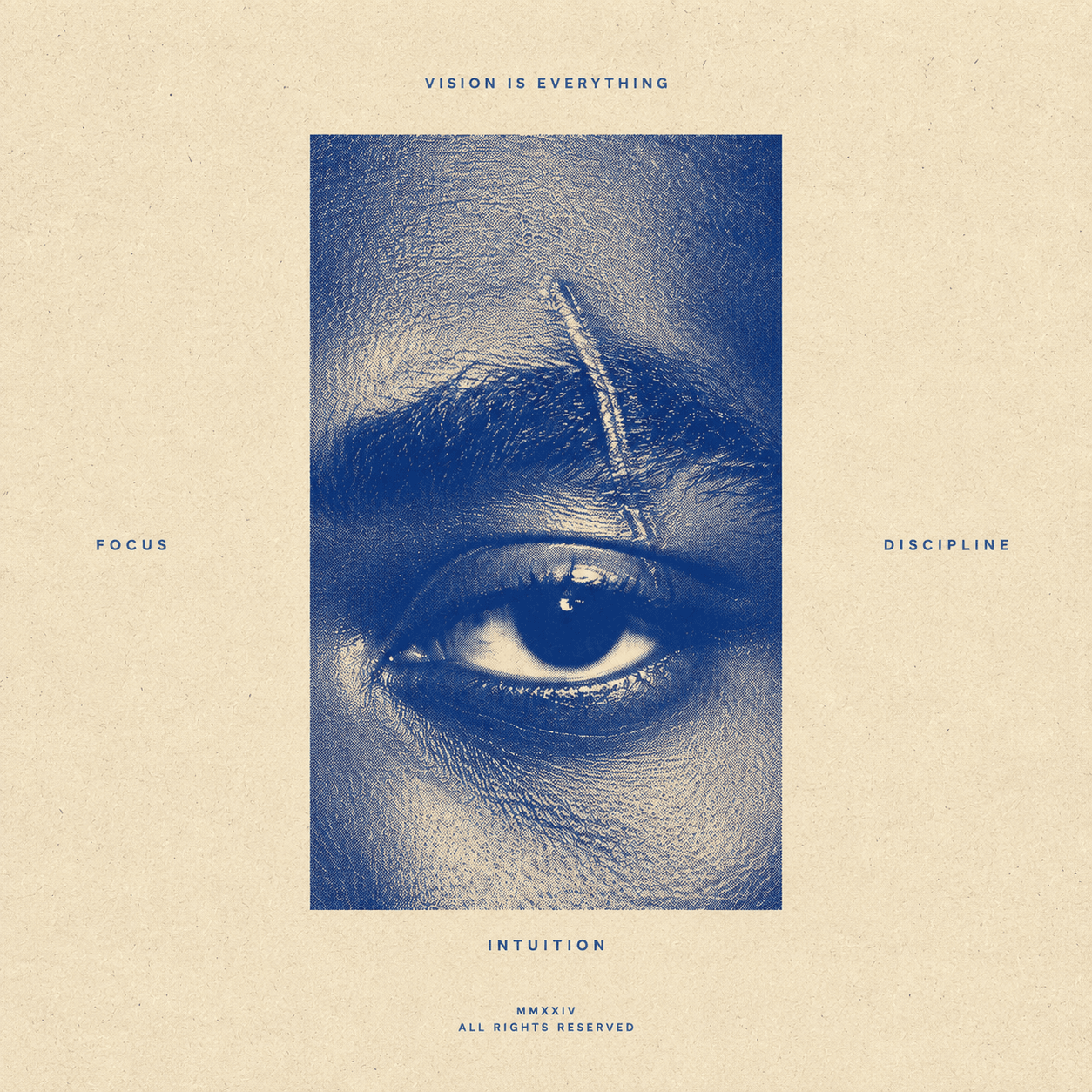
Single release artwork
A single cover has to work inside release feeds, social previews, and small streaming tiles. Keep the visual idea clear before adding fine detail.
Build around the emotion of the track instead of trying to summarize a whole album era. A single benefits from one strong image, color, or symbol.
Decide whether the song title, artist name, or image should carry the cover. That choice changes the prompt and the final composition.
Use the cover as the center of your teaser posts, canvas-style clips, profile updates, and pre-save graphics.
A good single cover prompt should read like creative direction for the track. Mention the emotional temperature, production texture, title energy, and what the listener should feel before pressing play. Avoid stuffing the prompt with every lyric or object from the song.
High-contrast portrait treatment for vocal singles
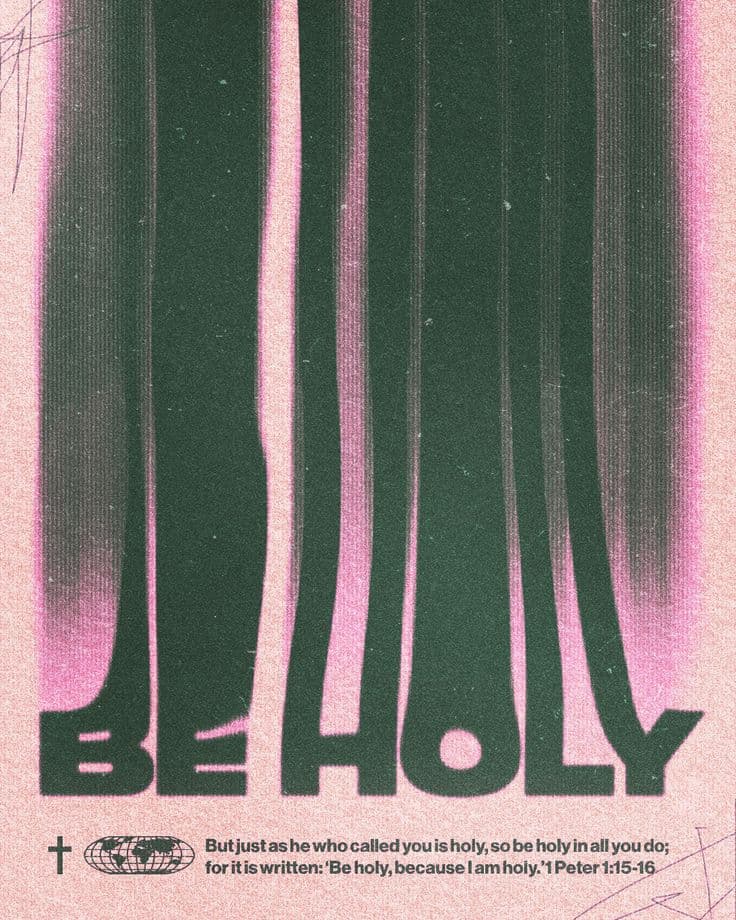
Minimal type-led design for acoustic or indie tracks
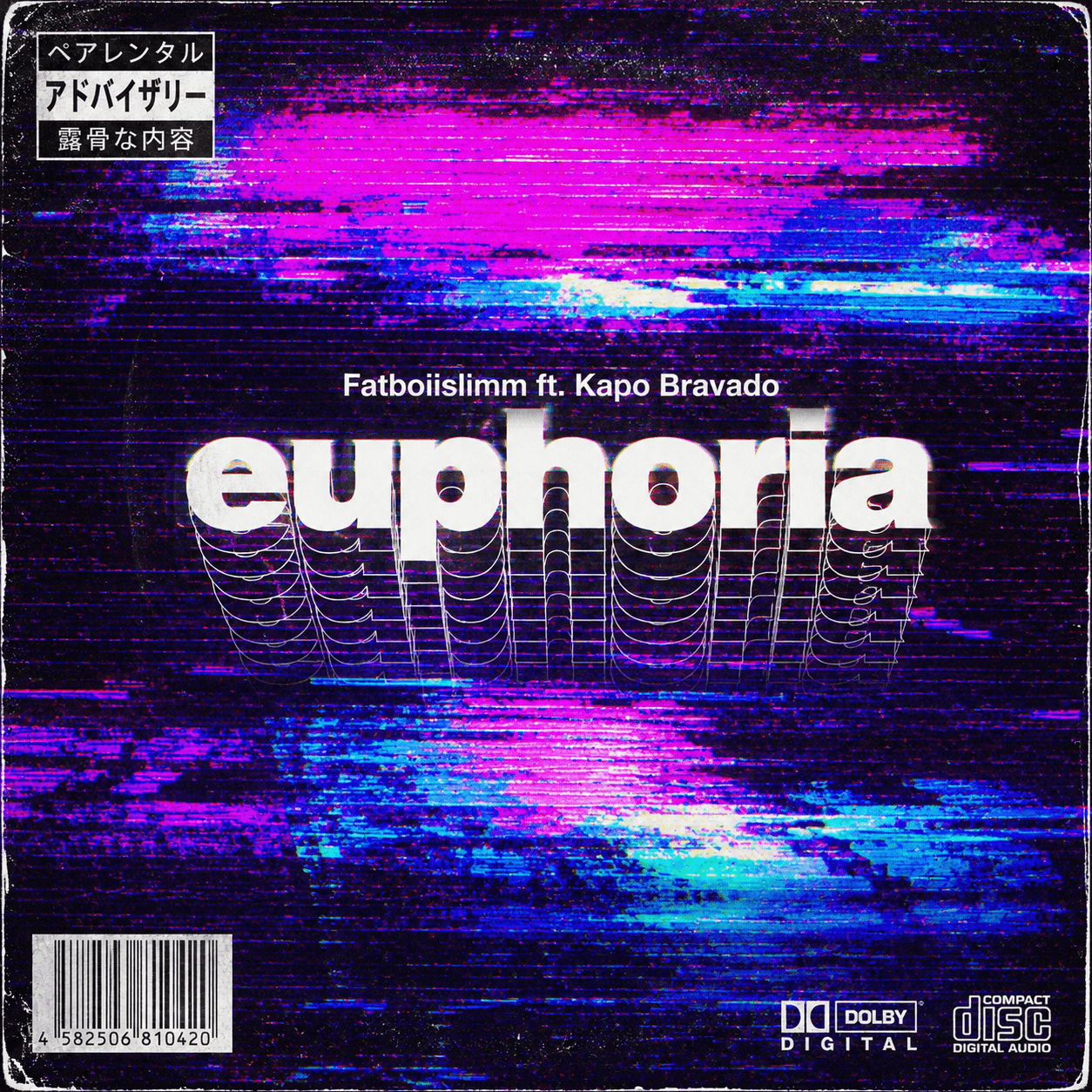
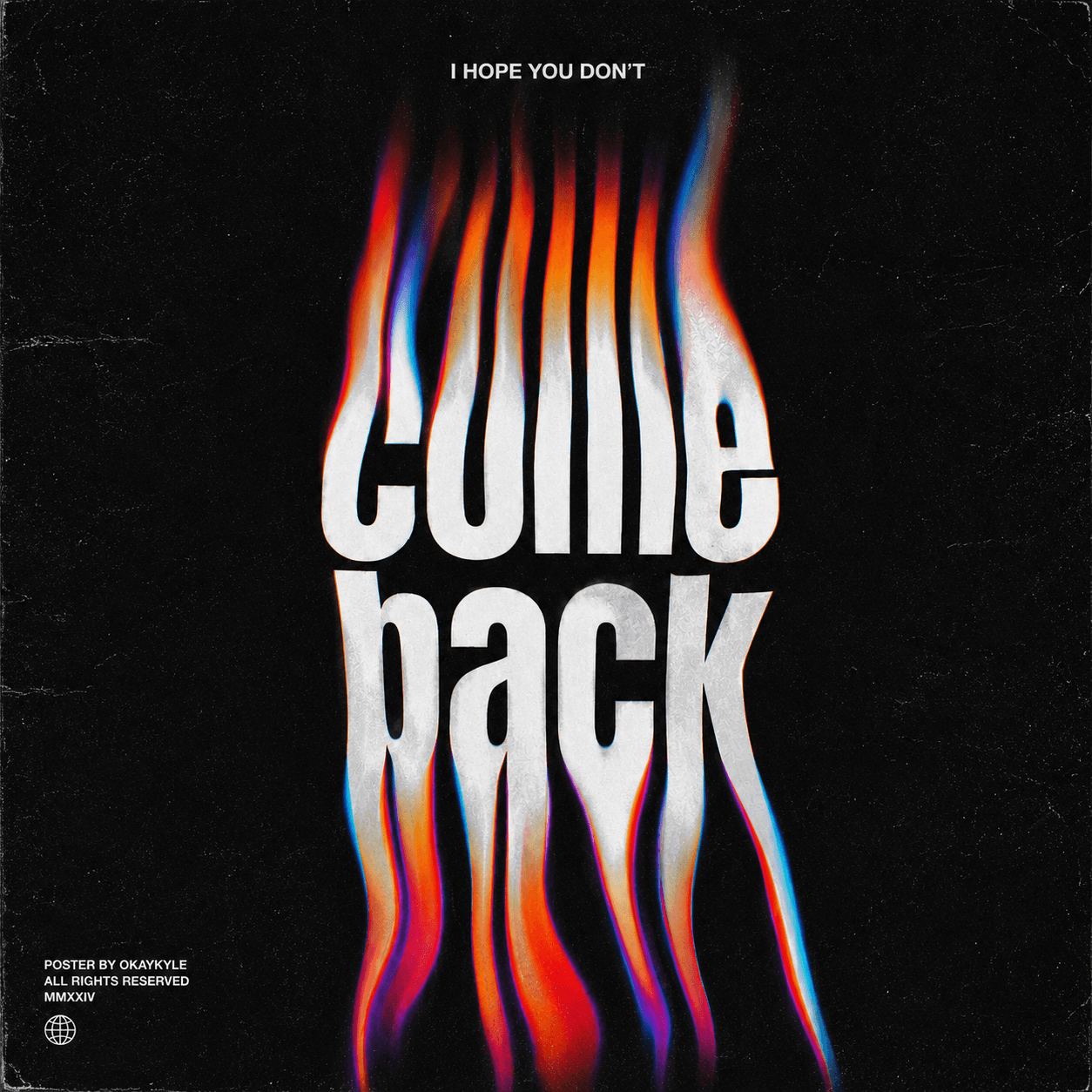
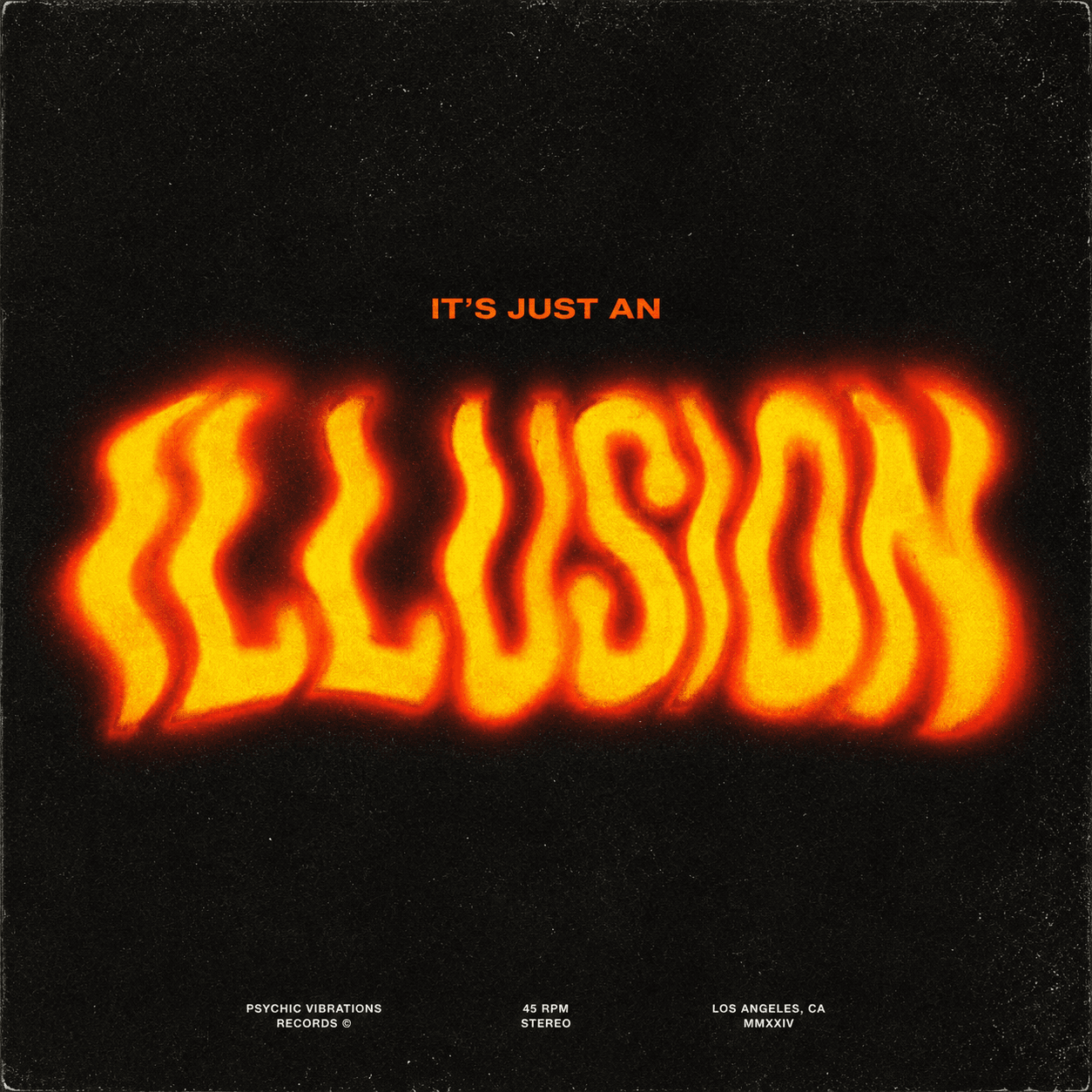
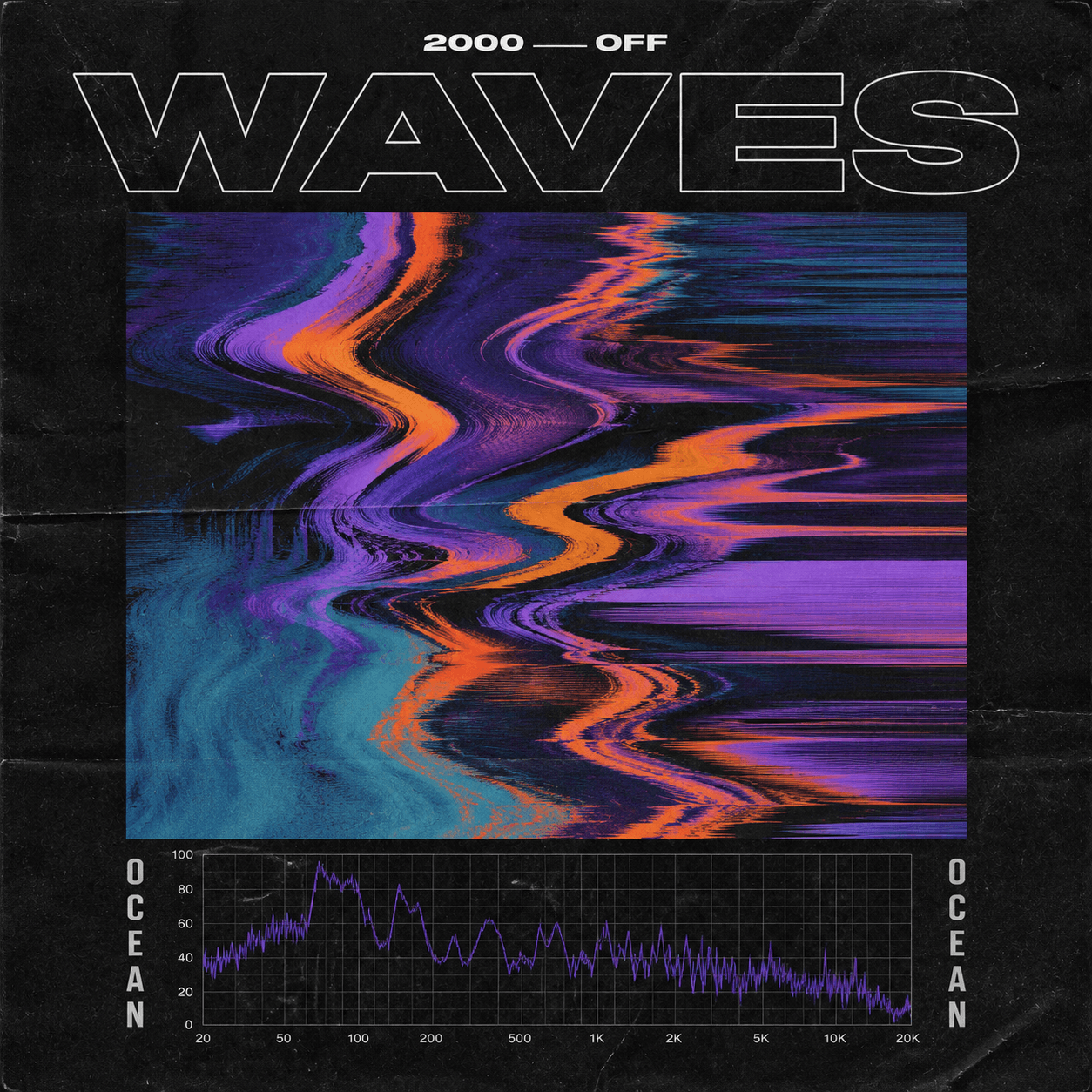
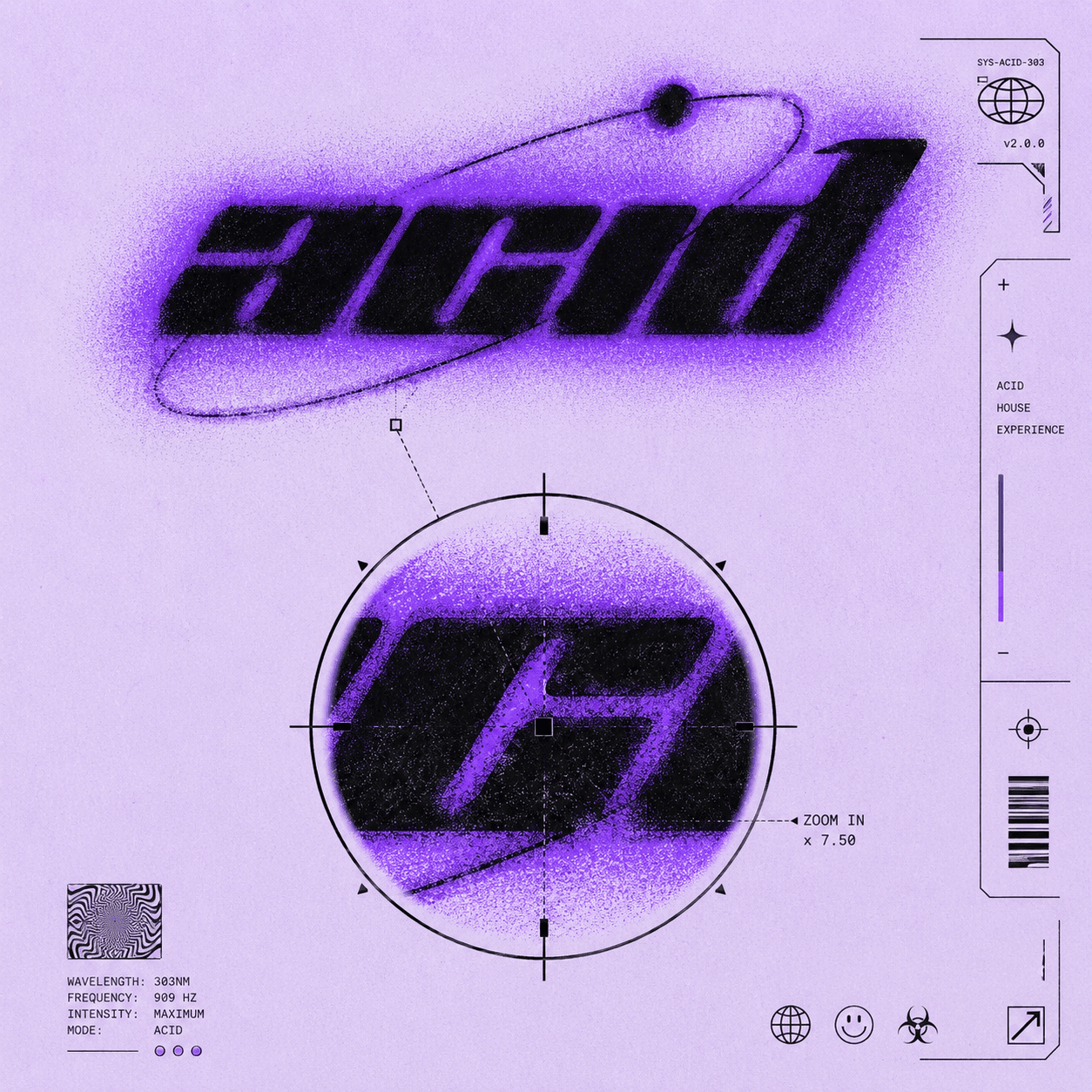
Noisy neon texture for electronic, club, or hyperpop releases
Editorial negative space for slower songs and ballads
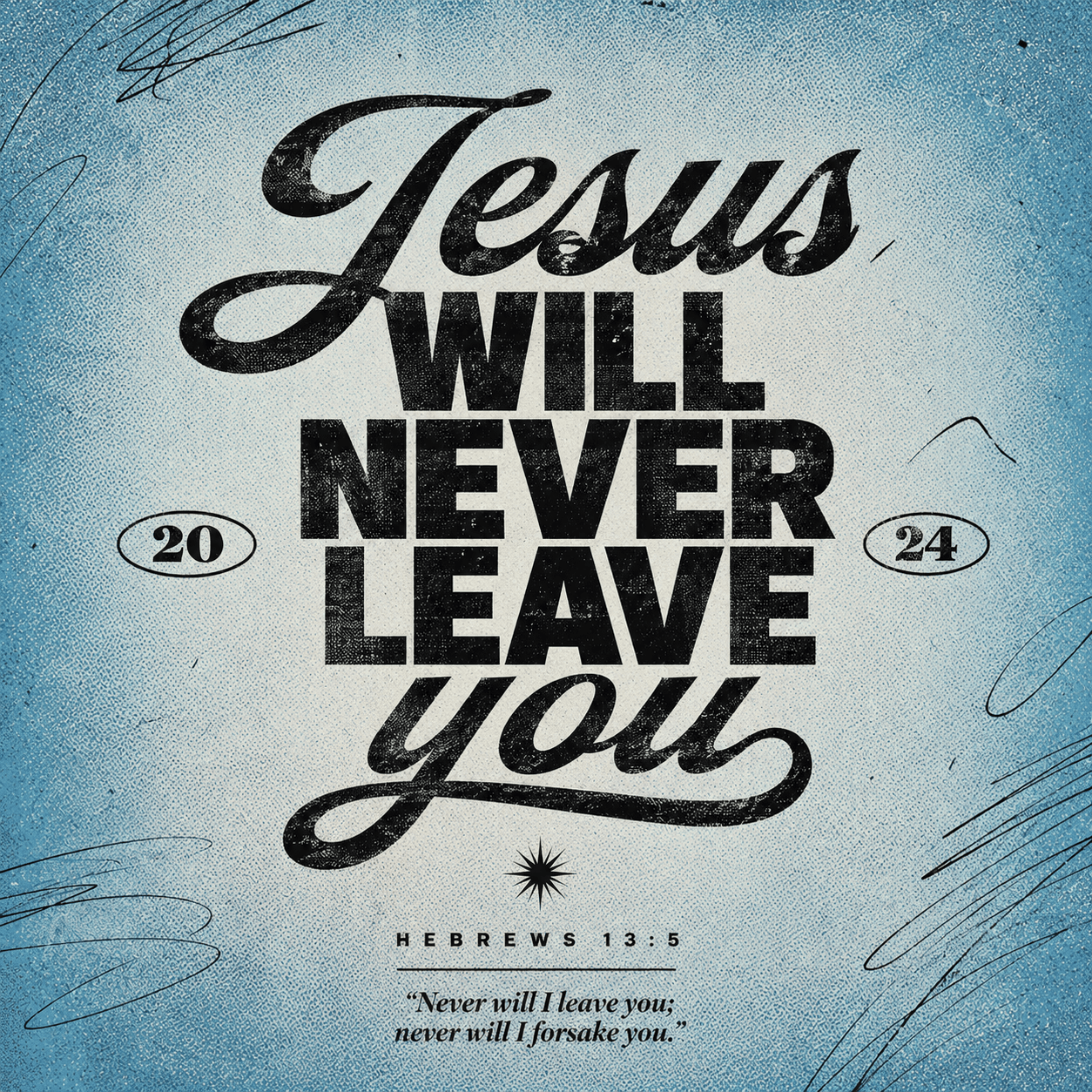
Grain, scratches, and analog print marks for underground scenes
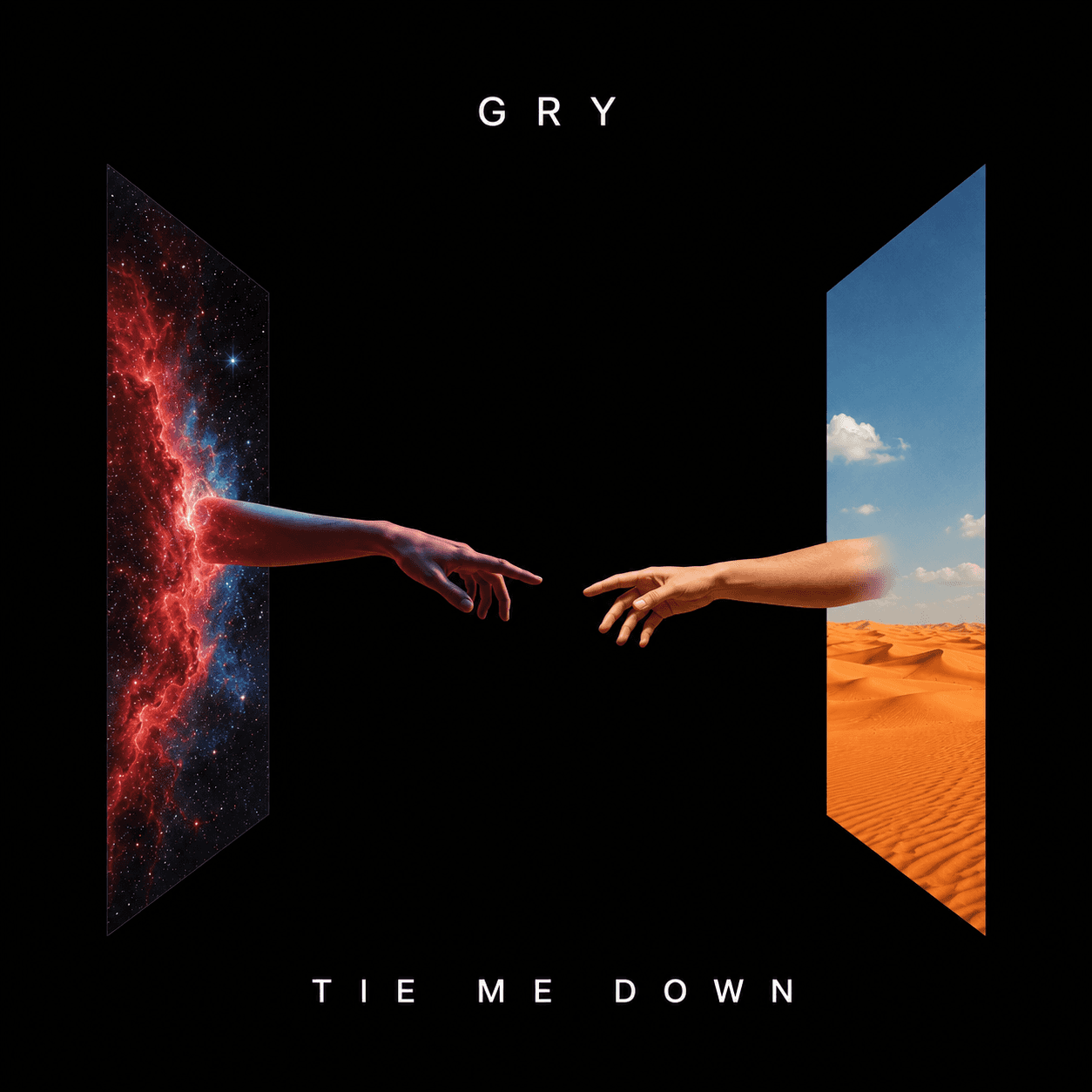
Bold symbol or object focus for tracks with a strong hook
Single artwork gets judged fast. These directions are built for square formats and small streaming previews.
Single cover FAQ
A single cover art generator helps create artwork for one track rather than a full album campaign. CoverArt AI uses your song title, artist name, genre, mood, and visual direction to generate square cover concepts.
It can, but it does not have to. Text works best when it is short, high-contrast, and planned as part of the design. If the image is stronger without text, you can keep the cover more visual.
Yes. You can keep a shared palette, type direction, or preset across several singles while changing the image concept for each track.
Start with the song mood, genre, title, artist name, color direction, and any reference imagery you want to avoid or include. Specific emotional direction usually works better than a long list of objects.
Build around the song
Jump into the workspace with your details. Sign in only when you generate.